
Best UX Audit Tools (Shared by Our UX Experts) | Tenet
 By
By Share

Share
Get a quick blog summary with



A great user experience keeps visitors engaged and improves conversions. But how do you know if your website or app is actually delivering it?
A UX audit finds the usability issues, navigation problems, and friction points hiding in your product. The tools below turn raw user behavior into evidence you can act on, from heatmaps and session recordings to user interviews and AI-assisted analysis.
How we chose them: we started with the tools UX teams actually use, verified each one against its official pricing and product pages, and kept only tools that are actively maintained and cover a distinct part of the audit workflow. Where two tools did the same job, we kept the stronger one.
Note: We last updated this article on October 15, 2026 where we removed Smartlook (Cisco ended sales in May 2026) and added Microsoft Clarity in its place, corrected pricing for Hotjar, Crazy Egg, Mixpanel, Mouseflow, Baymard, and UXCam, and noted new free tiers for UXCam and FullStory.
How we selected these tools
We chose these tools based on their effectiveness, ease of use, and popularity among UX professionals. We prioritized features like session recordings, heatmaps, behavior tracking, and user feedback collection.
Pricing and scalability were also key factors, ensuring businesses of all sizes can benefit. Each tool in this list provides actionable insights, helping teams make data-driven improvements to their websites and apps.
Here are the best UX audit tools at a glance:
- Google Analytics, Best for website traffic analysis – Free
- Hotjar (now Contentsquare) – Best for heatmaps & session recordings – Free, paid from $49+ per month
- Crazy Egg, Best for A/B testing & heatmaps – $29+ per month
- Mixpanel, Best for product & user behavior analytics – Free, usage-based paid plans
- UXCam, Best for mobile app session recordings – Free, paid plans custom
- Microsoft Clarity – Best for free AI-assisted session recordings – Free
- Baymard Institute, Best for e-commerce UX research – From $199+ per month
- FullStory, Best for session replays & advanced analytics – Custom pricing
- Lookback, Best for user testing & live interviews – $25+ per month
- Mouseflow, Best for behavior analytics & form tracking – Free, paid from $25+ per month
💡 Looking for a UI UX design audit for your website or application? Explore our UI UX design services and get a free quote.
Our most recommended tools for UX audit
1. Google Analytics
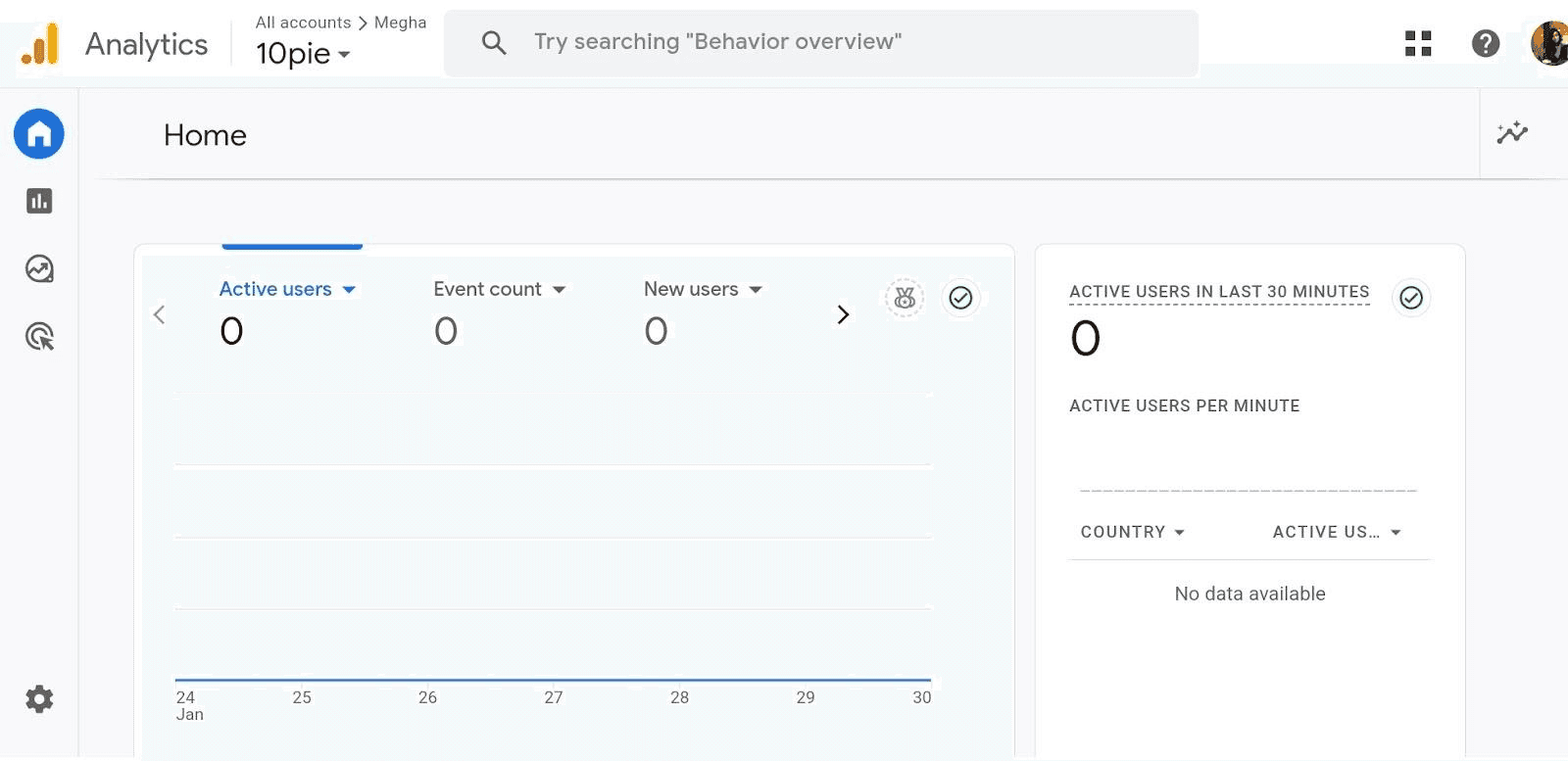
Google Analytics is a free tool from Google that helps website owners understand how visitors use their sites. It tracks data like how many people visit, which pages they look at, and how long they stay. This information helps website owners see what's working well and what might need improvement.
How Google Analytics Helps in UX Audit:
Google Analytics shows where users might have trouble on a website in an UX Audit. For example, if many visitors leave a page quickly, it might mean that the page is confusing or unhelpful for the audience.
Standout Features:
- Real-Time Data: See what visitors are doing on your site right now.
- Audience Reports: Learn about your visitors' age, location, and interests to better meet their needs.
- Behavior Flow: Visualize the path users take through your site to identify drop-off points.
- Conversion Tracking: Monitor when visitors complete desired actions, like signing up for a newsletter.
- Custom Dashboards: Create personalized views to focus on the data that matters most to you.
Why we love it:
Google Analytics provides clear insights into how users interact with a website, making it easier to find and fix problems, leading to a better user experience.
Pricing:
It is free to use
2. Hotjar
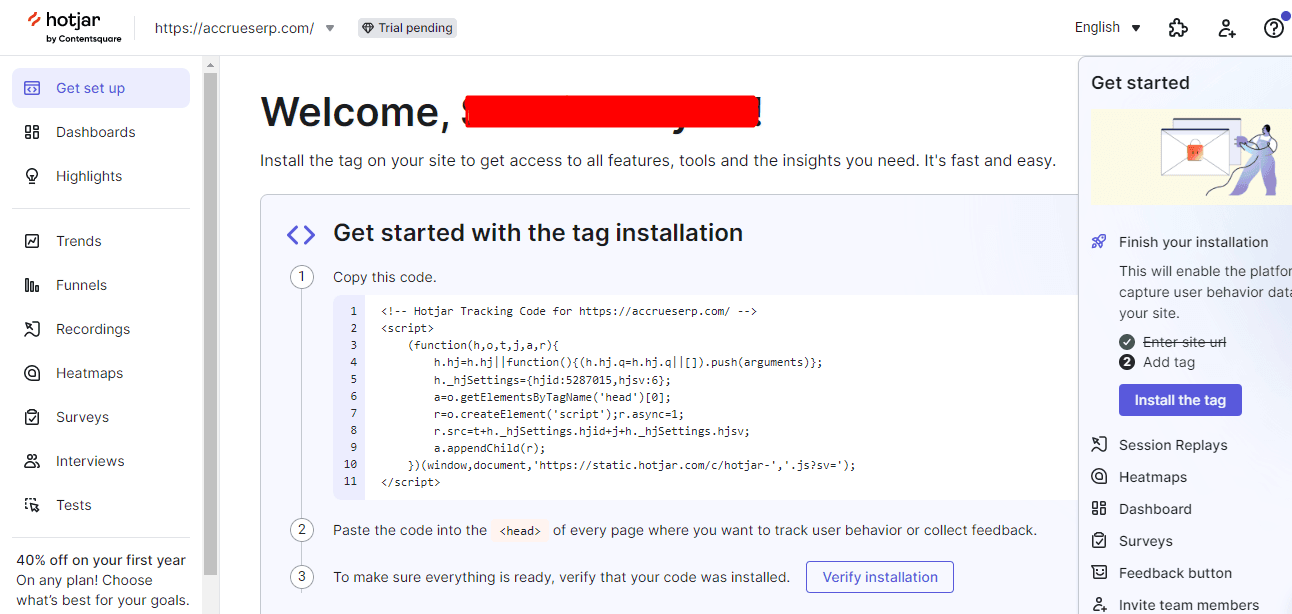
Hotjar is a tool that helps website owners see how visitors interact with their sites. Unlike Google Analytics, which provides numbers and data, Hotjar offers visual insights like heatmaps and session recordings. These features allow users to watch how people navigate their website, making it easier to identify areas for improvement. This visual approach can be more intuitive than interpreting raw data alone.
How Hotjar helps in UX audit:
Hotjar assists in UX audits by showing real user interactions. For example, a heatmap might reveal that visitors aren't clicking on a prominent button, indicating a potential design issue.
Standout features:
- Heatmaps: Visual representations showing where users click, move, and scroll on a page, highlighting popular and ignored areas.
- Session Recordings: Playbacks of individual user sessions, allowing observation of user behavior and identification of usability issues.
- Surveys and Feedback Polls: Tools to gather direct input from users about their experience, providing qualitative insights.
- Conversion Funnels: Analysis of user paths through the site to identify where visitors drop off during the conversion process.
Why we love it:
Hotjar combines multiple tools into one platform, offering both visual behavior analysis and user feedback collection, making it comprehensive for UX audits.
Pricing:
Hotjar is now part of Contentsquare, and new accounts are sold on Contentsquare plans: a free tier, Growth from $49 per month, and Pro and Enterprise on custom pricing. Older Hotjar-billed accounts may still show the legacy Plus, Business, and Scale tiers.
3. Crazy Egg
Crazy Egg is a tool that helps website owners see how visitors interact with their sites. It creates visual reports, like heatmaps, showing where people click and how far they scroll on a page. This information helps identify which parts of a website are engaging and which areas might need improvement.
How Crazy Egg helps in UX audit:
Crazy Egg assists in UX audits by revealing user behavior patterns. For example, if a heatmap shows that users frequently click on an image that isn't linked, it suggests they expect it to lead somewhere. This insight can guide designers to add a link, enhancing user experience.
Standout features:
- Heatmaps: Visual representations of where users click most on a page, highlighting popular and ignored areas.
- Scrollmaps: Show how far down a page visitors scroll, indicating if important content is being seen.
- Confetti Reports: Differentiate clicks by referral sources, helping understand which traffic sources engage most.
- A/B Testing: Allows testing of different page versions to see which performs better, aiding in data-driven design decisions.
- User Recordings: Provides session recordings to observe real user interactions and identify usability issues.
Why we love it:
Crazy Egg offers clear visual insights into user behavior, making it easier to identify areas for improvement and enhance overall website usability.
Pricing:
You can start with a 30-day trial. Plans are billed annually: Starter at $29/month, Plus at $99/month, Pro at $249/month, and Enterprise at $599/month.
4. Mixpanel
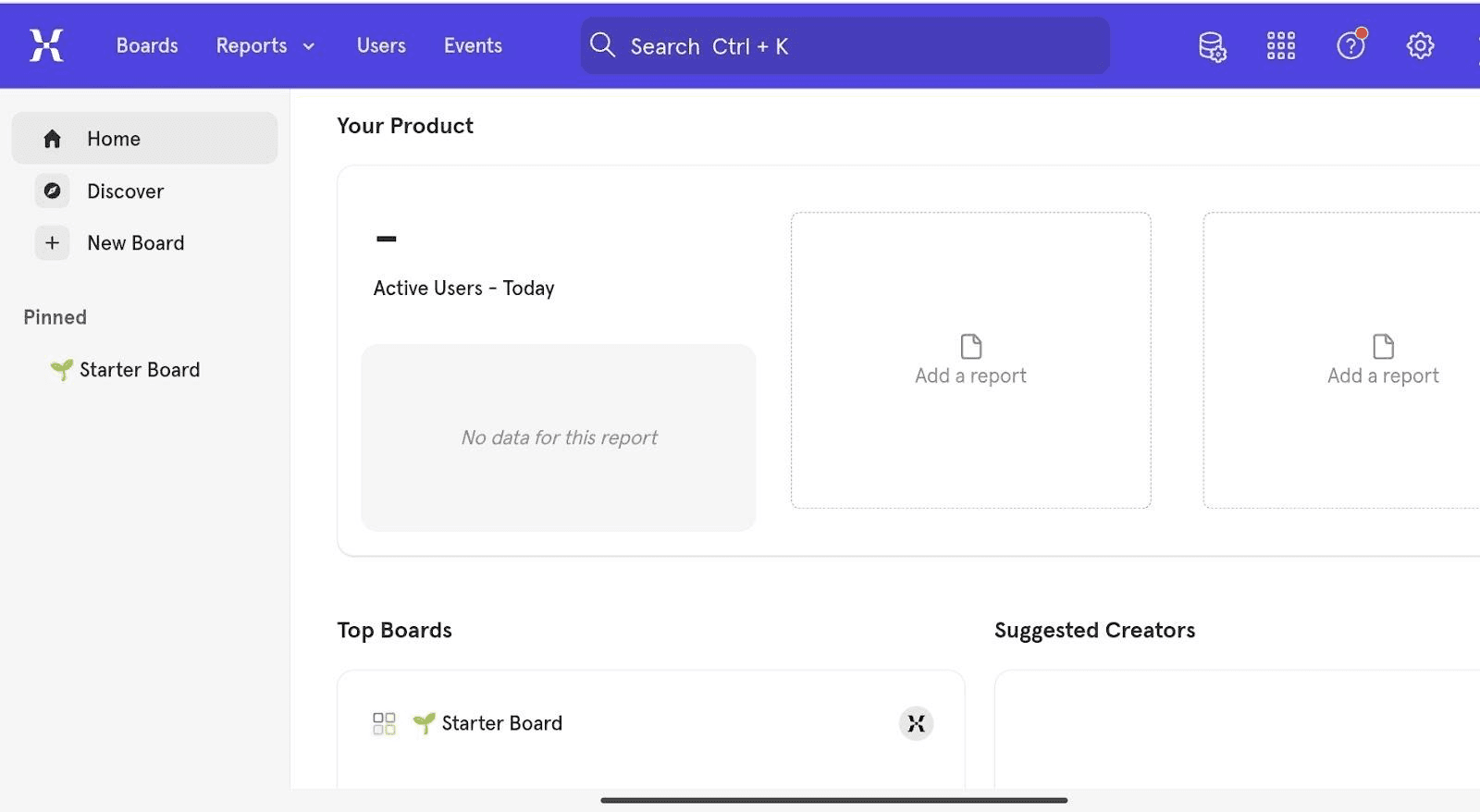
Mixpanel is a tool that helps businesses understand how users interact with their products. Unlike Crazy Egg, which focuses on visualizing where users click on a webpage, Mixpanel tracks detailed user actions, like button clicks or page views, across both websites and mobile apps. This allows companies to see how people use their products and find ways to make them better.
How Mixpanel helps in UX audit:
Mixpanel assists in UX audits by showing which features users engage with most and where they encounter issues. For example, if many users stop using an app after a certain step, Mixpanel can highlight this drop-off point, indicating where improvements are needed.
Standout features:
- Interactive Reports: Create custom reports to explore user data without needing to write code.
- Real-Time Data: See live updates on user interactions to quickly identify UI UX design trends.
- User Segmentation: Group users based on behavior or demographics to understand different user journeys.
- Retention Analysis: Measure how well your product retains users over time.
- A/B Testing: Test different versions of features to see which performs better.
Why we love it:
Mixpanel provides clear insights into user behavior, helping businesses make informed decisions to enhance their products.
Pricing:
You can start with a free plan (1M events per month). The Growth plan is usage-based and starts at $0, with charges only after you exceed the free event allowance.
5. UXCam
UXCam is a tool that helps businesses see how people use their mobile apps. It records what users do, like where they tap or swipe, and shows this information in videos and visual maps. This helps companies find and fix problems in their apps to make them better for users.
How UXCam helps in UX audit:
UXCam lets companies watch recordings of real users interacting with their app. For example, if many users stop using the app on a certain screen, the company can watch those sessions to see what might be causing the issue and then improve that part of the app.
Standout features:
- Session Replay: Watch videos of users' actions to see how they use the app.
- Heatmaps: See visual maps that show where users tap, swipe, or scroll the most.
- Screen Flow: Understand the paths users take from one screen to another.
- Funnel Analytics: Find out where users drop off during important processes, like signing up.
- Crash Reporting: Identify when and where the app crashes to fix issues quickly
Why we love it:
UXCam makes it easy to see and understand how real users experience an app, helping companies improve their apps effectively.
Pricing:
You can start with a free plan (3,000 sessions per month). Paid plans are quote-based, so you need to speak to the UXCam team for pricing.
6. Microsoft Clarity

Microsoft Clarity is a free user behavior analytics tool from Microsoft. It records user sessions and generates heatmaps, with AI-assisted features that automatically flag rage clicks, dead clicks, and quick backs, so you spend less time hunting through recordings.
How Microsoft Clarity helps in UX audit:
Clarity surfaces frustration signals on its own. For example, its smart filters can pull up every session where users rage-clicked the checkout button, pointing you straight at the problem instead of making you watch hours of video.
Standout features:
Session Recordings: Watch playbacks of real user sessions, filtered by AI-detected frustration signals like rage clicks and dead clicks.
Heatmaps: See click, scroll, and attention maps that show where users focus and which areas they ignore.
Smart Insights: AI-generated summaries and alerts that prioritize the sessions and pages most likely to contain UX issues.
Google Analytics Integration: Connect Clarity to GA4 to tie behavior findings directly to traffic and conversion data.
Why we love it:
Clarity delivers the core of a paid behavior analytics tool for free, and its AI-assisted filtering makes it the fastest way to go from raw sessions to a shortlist of real UX problems.
Pricing:
It is completely free to use, with no paid tiers.
7. Baymard Institute
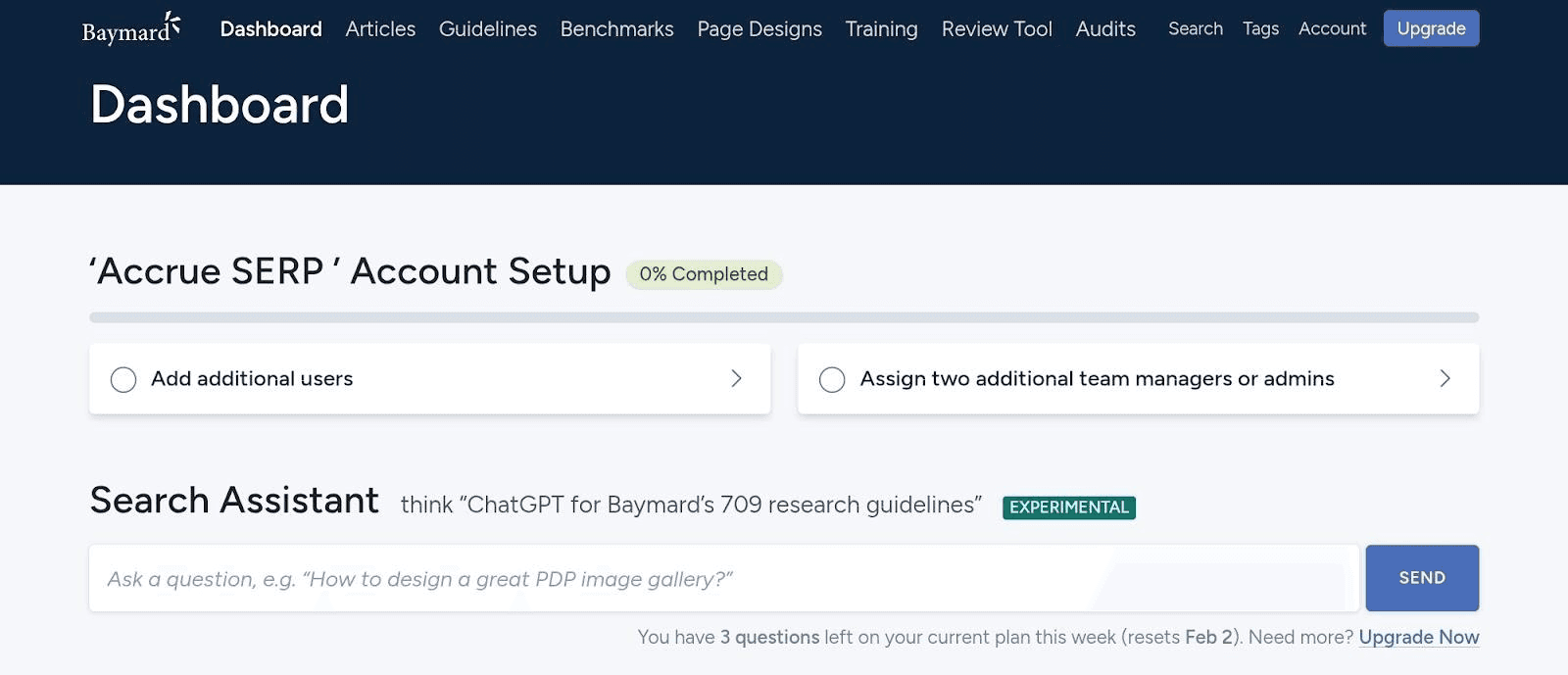
The Baymard Institute specializes in user experience (UX) research for e-commerce websites. With over 150,000 hours of UX research, they help businesses improve their online platforms. Their services include detailed audits that assess various aspects of a website's usability, aiming to enhance the overall shopping experience for users.
How Baymard Institute helps in UX audit:
Baymard conducts in-depth evaluations of websites, identifying usability issues and providing actionable recommendations. For example, they might find that a site's checkout process is too complicated, causing customers to abandon their carts. They would then suggest specific changes to simplify the process and increase sales.
Standout features:
- Extensive Research Base: Audits are grounded in over 150,000 hours of UX research, ensuring recommendations are well-founded.
- Detailed Reports: Provides comprehensive reports highlighting key UX issues and suggested improvements.
- Competitive Benchmarking: Compares your site's UX performance against leading brands and competitors.
- Actionable Recommendations: Offers clear, practical advice to enhance website usability.
Why we love it:
Baymard's audits are thorough and based on extensive research, providing clear guidance to improve website usability and boost customer satisfaction.
Pricing:
Baymard publishes its pricing: plans start at $199 per month (Core), with Pro at $399 per month and higher tiers for larger teams. Baymard also offers UX-Ray, an AI tool that runs automated heuristic evaluations against its UX research database.
8. FullStory
FullStory is a tool that helps businesses see how users interact with their websites or apps. It records user sessions, showing every click, scroll, and movement. This helps companies find and fix problems to make their sites better. By watching these recordings, businesses can understand what users like and what confuses them. This leads to improvements that make the user experience smoother and more enjoyable.
How FullStory helps in UX audit:
FullStory assists in UX audits by providing detailed session replays. For example, if users are repeatedly clicking on a non-clickable image, it indicates confusion. By identifying such patterns, businesses can adjust the design to meet user expectations.
Standout features:
- Session Replays: Watch real user interactions to see where they encounter issues.
- Heatmaps: Visualize areas of a page that get the most attention, helping to identify popular and ignored sections.
- Rage Click Detection: Automatically find moments when users click repeatedly out of frustration, signaling potential problems.
- Advanced Segmentation: Analyze specific groups of users based on behavior, location, or device to understand different experiences.
Why we love it:
FullStory makes it easy to see and understand user actions, helping businesses quickly find and fix issues to improve their websites or apps.
Pricing:
Paid plans (Business, Advanced, Enterprise) are quote-only, but there is a free plan with 30,000 sessions per month if you want to start without talking to sales.
9. Lookback
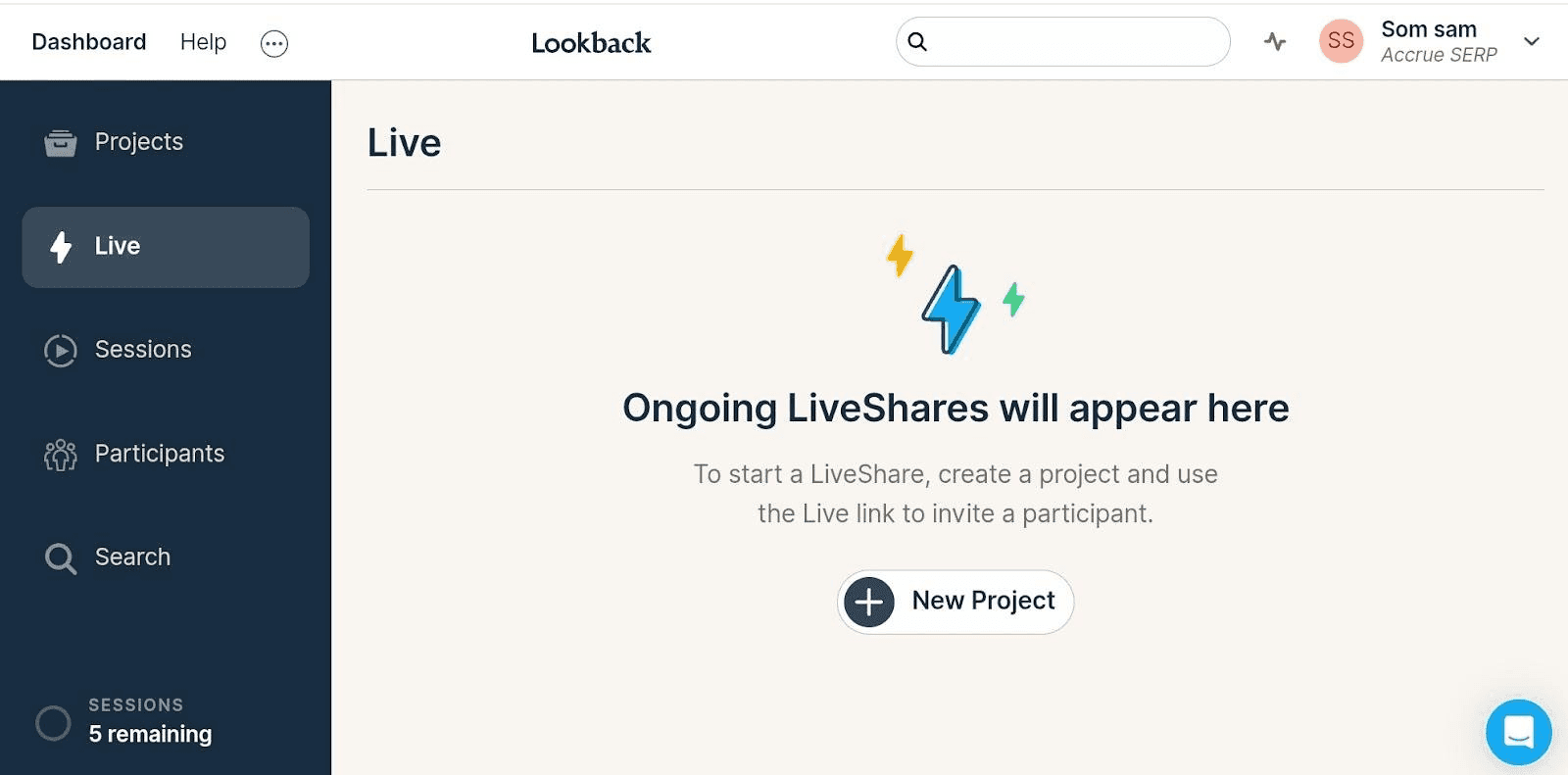
Lookback is a tool that helps teams understand how users interact with their products. It records users' screens, voices, and faces as they use an app or website. This allows you to see exactly what users experience and feel on the website. By watching these recordings, you can find out what works well and what needs improvement. This makes Lookback a valuable tool for making products better and more user-friendly.
How Lookback helps in UX audit:
Lookback assists in UX audits by capturing real user interactions. For example, a team can watch a recording of a user struggling to find a feature in an app. This insight shows where the app's design can be improved to make it easier for users.
Standout features:
- Screen, voice, and face recording: Captures the user's screen activity, voice, and facial expressions during sessions, providing a complete view of the user experience.
- Live interviews: Allows teams to conduct real-time interviews with users, enabling immediate feedback and interaction.
- Unlimited seats and projects: Offers unlimited access for team members and projects, promoting collaboration without additional costs.
- Transcriptions and highlight reels: Provides transcriptions of sessions and tools to create highlight reels, making it easier to share key insights with the team.
Why we love it:
Lookback makes it simple to see and understand how real users experience a product, helping teams find ways to improve and create better user experiences.
Pricing:
You may start with a free trial, then purchase the Freelancer plan at $25 per month, the Team plan at $149/month, and the Insights hub plan at $344/month
10. Mouseflow
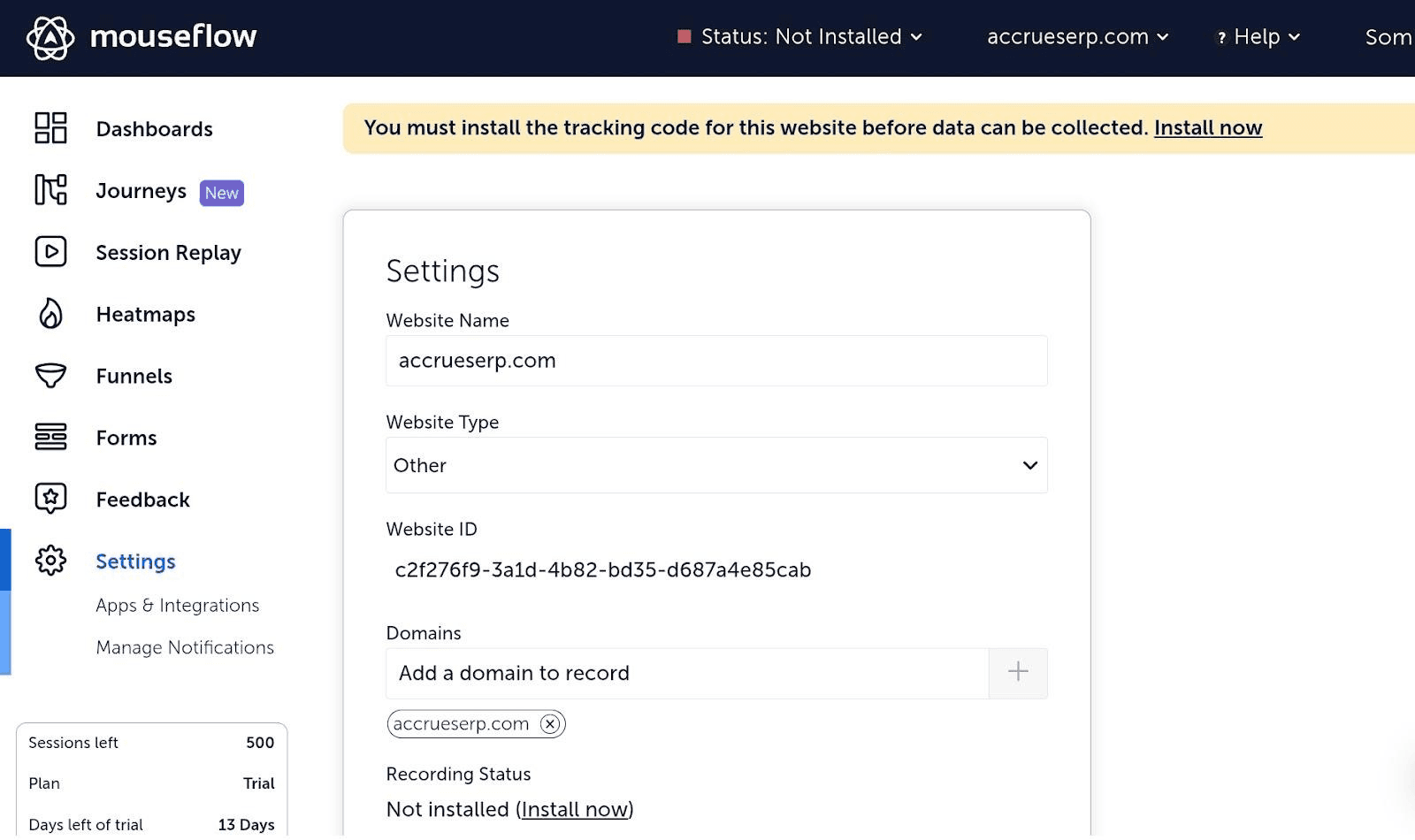
Mouseflow is a tool that helps website owners see how visitors interact with their site. It records where people click, move their mouse, and scroll. It also creates heatmaps to show popular areas on a page. This information helps identify what works well and what needs improvement on the website.
How Mouseflow helps in UX audit:
Mouseflow assists in UX audits by showing real user interactions. For example, if many users stop scrolling at a certain point, it might indicate that important content is being missed. By analyzing this behavior, website owners can make changes to enhance user experience.
Standout features:
- Session Replay: Watch recordings of user sessions to see how visitors navigate the site.
- Heatmaps: Visualize where users click, move, and scroll to identify popular areas.
- Conversion Funnels: Track the steps users take to complete a goal and see where they drop off.
- Form Analytics: Analyze how users interact with forms to find and fix issues.
- Feedback Surveys: Collect user opinions directly on the site to understand their needs.
Why we love it:
Mouseflow provides clear insights into user behavior, helping to improve website design and functionality.
Pricing:
You can start with a free plan (500 sessions per month). Paid plans start with Essential at $25/month and Advanced at $109/month.
EXPLORE OUR UX DESIGN SERVICES
- Healthcare UI/UX design services (300+ Clients Served)
- Ecommerce UI/UX design services
- Real estate UI-UX design services
- UX Research Services
Can AI do a UX audit?
Yes, AI can do UX audits by quickly analyzing data and identifying patterns in user behaviour. For example, UX research AI tools can examine how users navigate a website, highlighting areas where they might encounter difficulties. This helps designers make improvements to enhance usability.
However, AI has limitations in UX audits. It may not fully understand human emotions or the reasons behind certain user actions. For instance, AI might notice that users leave a page quickly but might not grasp that confusing language is the cause. UX experts are better at interpreting these problems.
We believe combining AI tools with human insights can provide the best results. While AI can handle large amounts of data efficiently, professionals can provide context and understanding that AI currently lacks. This partnership ensures a more thorough and effective UX audit.
Can UX be replaced by AI?
No, UX can't be replaced by AI. It can only automate the tasks like creating layouts and analysing user behaviour to save designers time and make better decisions based on data.
Jakob Nielsen, a well-known UX expert, says that while AI tools can boost productivity, they cannot handle complex design problems that need human creativity and empathy.
For example, AI can suggest design ideas based on user data, but it cannot understand human emotions or think critically like people do. This means human designers are still needed to create designs that truly connect with users.
How Tenet helps you in UX audit
Tenet helps improve your website or app by identifying UX issues and fixing them for a better user experience. We analyze everything from navigation and visuals to performance and accessibility. This ensures users can easily find what they need and take action without frustration.
For example, if your e-commerce site has a confusing checkout process, we identify bottlenecks and suggest changes like clearer CTAs or a more intuitive flow. This improves user satisfaction and increases sales.
We also check technical aspects like load speed and broken links, ensuring your digital product runs smoothly. A slow or glitchy site drives users away, but our audit helps prevent that.
With a Tenet UX audit, you get a more user-friendly, visually appealing, and high-performing product. This leads to higher engagement, better conversions, and a stronger brand presence.
Want to know more about our design audit services? Speak to our experts.
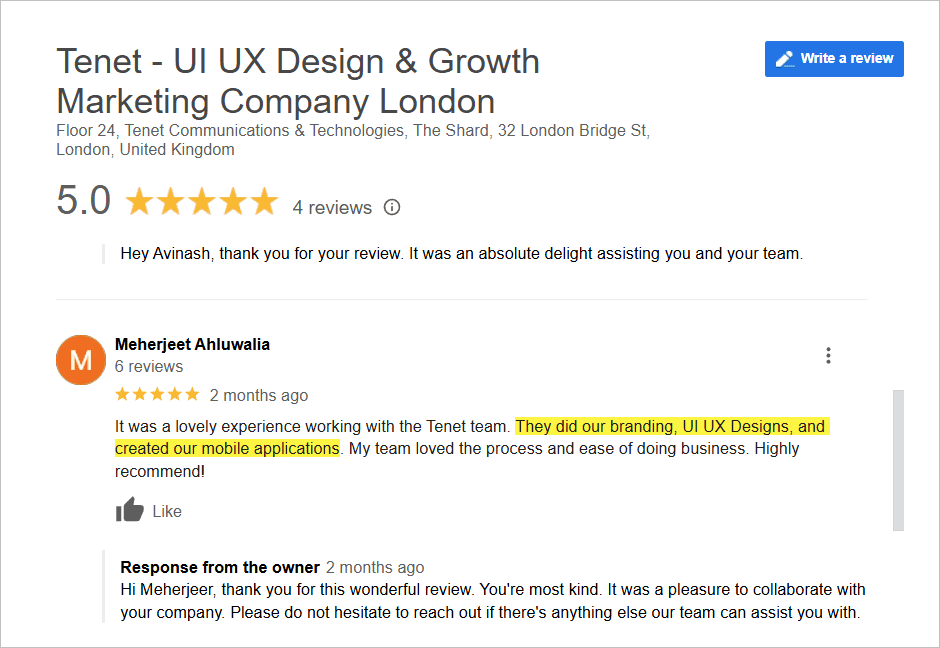
Here’s what our past customers have to say about our UX design services:
👉 Explore SaaS UX design best practices
Want us to run the audit for you? Get a UX design proposal and we will scope your audit, findings, and fixes in one clear plan.
📑 Further reading:
- 13 UX Design Mistakes You Should Avoid— the most common issues UX audits uncover.
- Ecommerce CRO Audit: A complete guide with a checklist — run a conversion-focused audit step by step.
- 43 Interesting UX Statistics to Bookmark— the data behind why UX audits pay off.
Final words
A UX audit helps you create a smoother, more user-fr iendly experience. The right tools make it easy to identify weak points and improve usability. Whether you need heatmaps, session recordings, or in-depth analytics, these tools provide actionable insights.
Investing in UX optimization leads to better engagement, higher conversions, and a stronger brand reputation. Choose the tools that fit your needs and start improving your UX today!
Get a free UI UX consultation
Get a free UI UX consultation


















Got an idea on your mind?
We’d love to hear about your brand, your visions, current challenges, even if you’re not sure what your next step is.
Let’s talk


