
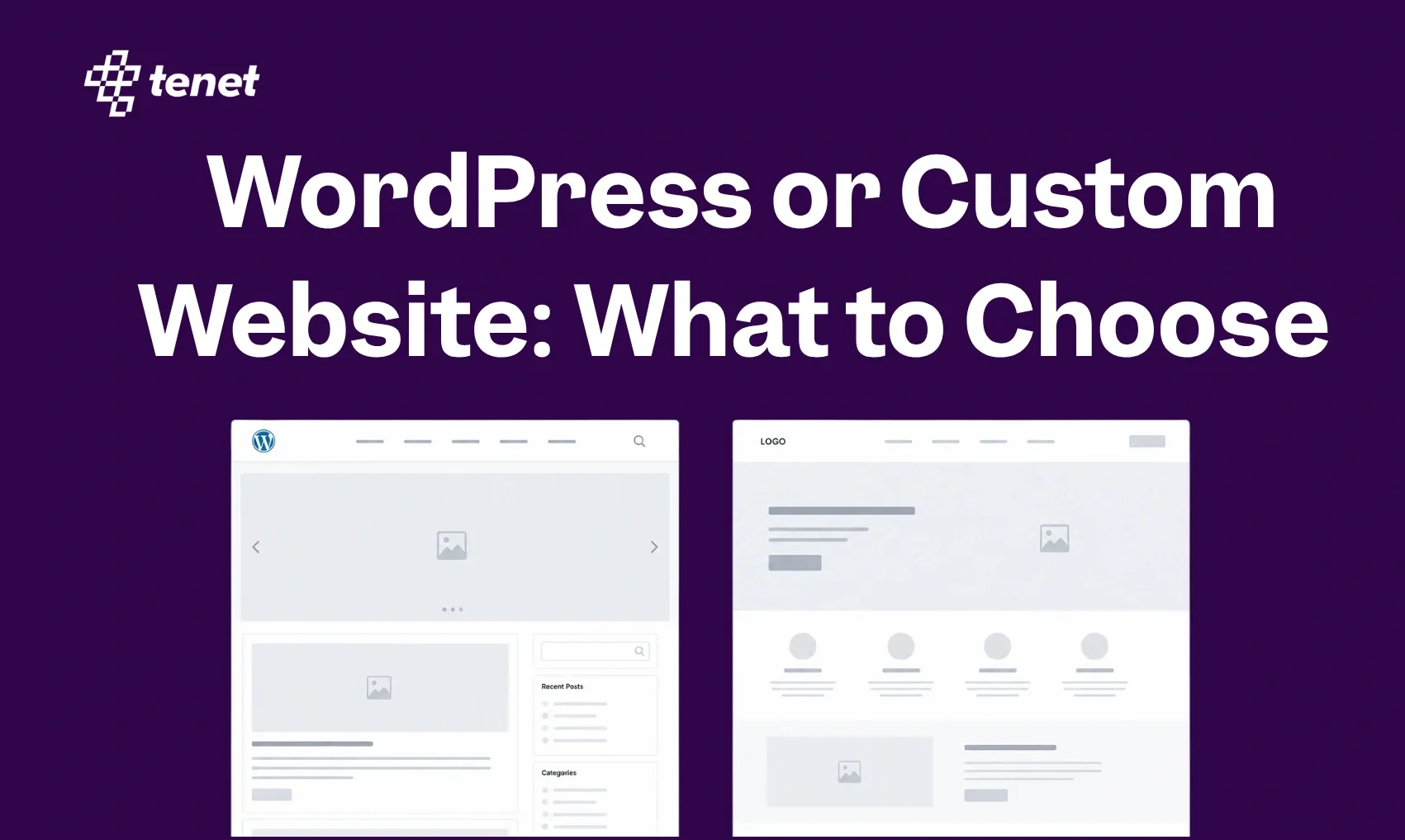
WordPress or Custom Website: What to Choose in 2026?
 By
By Share

Share
Get a quick blog summary with



Key Highlights
- WordPress offers faster launches and lower upfront costs for standard business websites.
- Custom websites provide greater performance, security, and scalability through lean, proprietary code.
- WordPress is easier for non-technical teams to manage content and SEO independently.
- Custom builds are best for unique workflows, complex functionality, and pixel-perfect design.
Is it better to save money now or invest for the future?
Launching a WordPress site can cost 60–80% less than a custom build, making it the obvious choice for startups. However, once you go live, the work changes: WordPress requires constant updates to its core and plugins to stay secure, as 96% of its vulnerabilities come from third-party add-ons.
Whereas custom websites require a much higher initial investment (often starting at $5,000 to $15,000), they offer a "set it and forget it" stability that platforms can't match.
This guide takes a closer look at WordPress vs custom-coded websites, and how to decide which one actually fits your needs.
What Are the Core Differences Between WordPress and a Custom-Built Website?
WordPress is a Content Management System (CMS) that uses pre-built themes and plugins to assemble a site, while a custom-built website is coded from scratch (or using frameworks like Laravel, React, or Python), customized to exact specifications.
1. Content Management and Team Control
WordPress is a true Content Management System (CMS) designed for editorial independence. It features an intuitive, unified dashboard where non-technical staff can draft, edit, and publish content without writing code.
This structure allows a content team to capitalize on marketing trends in hours rather than waiting on developer cycles.
In a custom-coded site, this level of control is not automatic. Unless a custom CMS is built alongside the site, even small changes (like updating a headline or swapping an image) often require a developer to modify the source code.
Custom builds win when your internal workflows are so unique that a standard off-the-shelf system cannot handle them.
👉 If managing content independently is a priority for your team, Tenet's Custom CMS Development service is built to give you the editorial freedom of a CMS without ever boxing you into a rigid off-the-shelf structure.
2. Performance, Page Speed, and Technical SEO
Custom-built websites generally offer superior performance potential because they are engineered from a "lean" codebase customized specifically to your business goals.
By using modern frameworks like React or Next.js, developers can eliminate the "code bloat" often found in multipurpose WordPress themes, leading to faster load times and better Core Web Vitals scores.
WordPress performance is highly variable. While it can reach enterprise speeds with premium managed hosting like Kinsta and aggressive caching, it is inherently more susceptible to speed degradation as plugins and theme scripts accumulate.
However, WordPress is often easier for ongoing SEO management due to mature tools like Yoast SEO or Rank Math that handle technical requirements like XML sitemaps and canonical tags out of the box.
👉 Whether you're on WordPress or a custom build, performance problems quietly cost you conversions. Our 11 Common Web Design Mistakes blog breaks down the speed, mobile, and structure issues that push visitors away before they even read a line of your content.
3. Security and Vulnerability Exposure
Security on WordPress is largely an operational challenge rather than a platform flaw. While the core software is robust, approximately 96% of vulnerabilities originate from outdated third-party plugins or themes.
Because WordPress powers over 43% of the web, it is a primary target for automated bot attacks
Custom websites benefit from a smaller "attack surface" because their code is proprietary and not publicly documented.
Generic exploits that target known WordPress weaknesses cannot touch a custom build.
However, this also means you do not benefit from a global community of developers constantly patching core security flaws; your security is entirely dependent on the rigor of your own development team.
👉 Check out our Website Design & Development service, which bakes enterprise-grade security into every build, so your platform is protected from day one regardless of which route you choose.
4. Design and Visual Freedom
A WordPress site typically starts with a theme (a pre-built architectural and visual foundation). There are over 13,000 themes available, ranging from free to a few hundred dollars.
While themes are highly flexible, deeply altering their core structure can lead to "breaking" changes during future updates.
Custom websites start from a blank canvas, allowing for "pixel-perfect" design and unique brand-specific interactions that are not restricted by any underlying template.
This creative freedom is ideal for brands needing a highly distinct digital identity, though it significantly increases the initial design and QA (Quality Assurance) costs.
5. Development Timeline and Upfront Investment
WordPress is the undisputed winner for speed-to-market. Most standard business websites can be launched within 2 to 8 weeks by configuring existing themes and plugins.
This makes it highly effective for startups or seasonal campaigns with tight deadlines.
Custom builds are a long-term investment, typically requiring 3 to 12 months of architectural planning, development, and testing.
In terms of cost, custom projects are often 5x to 10x more expensive upfront than a premium WordPress setup. Here is the quick breakdown:
WordPress Pricing
- Basic/Small Business Website: $1,500 – $10,000
- Mid-Range Professional/Corporate: $12,000 – $45,000
- Enterprise or High-End E-commerce: $40,000 – $100,000+
Custom Build Pricing
- Basic Custom Corporate Site: $15,000 – $40,000
- Custom E-commerce/Portal: $25,000 – $150,000+
- Enterprise/Web Application: $80,000 – $300,000+
While WordPress typically costs 60–80% less upfront for standard sites, custom builds can occasionally have lower long-term costs if they eliminate the need for expensive premium plugin subscriptions and frequent developer troubleshooting for theme conflicts.
👉 Not sure how these numbers apply to your specific project?
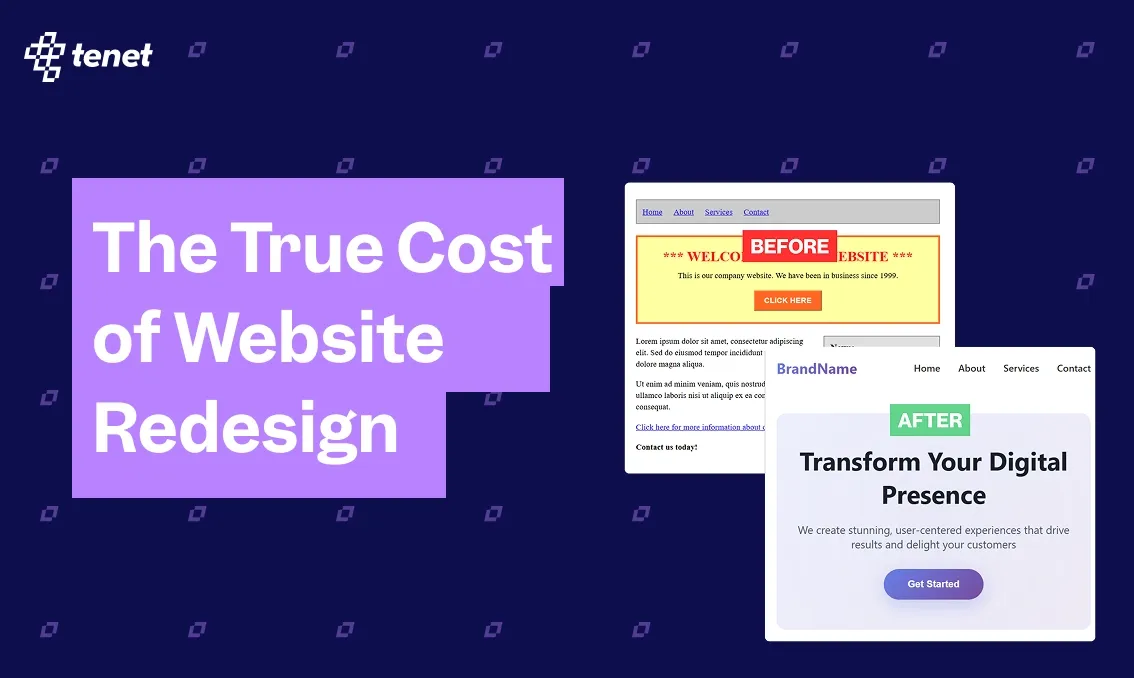
Our detailed Website Redesign Cost breakdown walks through exactly what drives pricing at every stage, from planning and design to development and QA.
When WordPress Is the Right Choice for Your Website
WordPress is the right choice when your priorities lean toward speed, budget efficiency, and independent content management.
While custom-coded sites are better for unique engineering needs, WordPress is ideal for approximately 90% of standard business and content projects.
1. You Need to Launch Quickly
WordPress is the undisputed winner for speed-to-market. While a custom site often takes 3–6 months to design and code from scratch, a professional WordPress site can be live in 2–6 weeks.
This is usually best for startups validating a concept, businesses launching a seasonal campaign, or companies needing an immediate professional digital footprint.
2. Your team publishes content daily without developer help
If your team publishes blog posts, news, or articles daily, WordPress is hard to beat. Its "DNA" is built for publishing.
That means non-technical team members can draft, edit, and publish content through a user-friendly admin dashboard without ever touching a line of code or waiting for a developer.
And because WordPress prioritizes content creation, it also makes ongoing SEO much easier. WordPress plugins like Yoast SEO and Rank Math handle sitemaps and metadata automatically while your editors focus on writing.
3. You Are Working with a Limited Upfront Budget
For businesses where capital is better spent on marketing than a proprietary codebase, WordPress offers significant savings as the standard business site on WordPress typically costs $1,500 to $10,000, while custom development for the same functionality often starts at $15,000 and can exceed $50,000.
That price difference exists because the WordPress software itself is free and open source, so your budget goes entirely toward hosting, design, and specific premium features instead of building a codebase from scratch.
👉 Budget allocation between platform and marketing is a real strategic decision.
Our detailed guide on How to Calculate Website ROI helps you think through whether your current website is actually pulling its weight as a business asset, before you commit to either path.
4. Standard Features Meet Your Needs
If your website requires common functionalities, there is likely a high-quality plugin that already solves the problem.
As with over 60,000 plugins, you can instantly add contact forms, appointment booking systems, membership portals, or e-commerce (via WooCommerce).
Even for online stores with under 500 products, WordPress is a stable, proven solution that is much cheaper to maintain than a custom-built marketplace.
5. You Want to Avoid "Vendor Lock-in."
Because WordPress is the most popular CMS globally, powering over 43% of the web, help is always available.
Even if your current developer leaves, you can easily find thousands of other agencies or freelancers who understand the platform. With custom code, you are often locked into the specific team that wrote the unique codebase.
When a Custom-Coded Website Is the Right Choice for Your Business
You need highly specific functionality
Generic platforms are built on a "one-size-fits-all" model, which often forces businesses to compromise on their actual workflows.
Custom development is the only viable path when your business logic (such as a complex logistics engine, a multi-vendor marketplace, or a proprietary SaaS infrastructure) cannot be replicated by standard plugins.
Instead of forcing your data into a "Post" or "Page" structure, you design a custom database schema that mirrors your exact operations, preventing technical debt from accumulating as you scale.
👉 For businesses with complex product logic or platform ambitions, our SaaS Development service specializes in building exactly these kinds of scalable, architecture-first platforms that no plugin stack could replicate.
Brand differentiation and user experience matter deeply
Most pre-built themes dictate how a user interacts with your site based on existing templates. If your brand relies on a non-standard layout or high-fidelity interactions to convey authority, you shouldn't be fighting against a theme's pre-set CSS.
Custom builds allow for pixel-perfect design and unique customer journeys that are not restricted by the "grid" of a pre-set theme.
This creative freedom ensures your user experience (UX) is customized to reduce friction and improve conversions rather than forcing users into predefined, generic flows.
Performance and SEO are strategic priorities
Custom websites generally offer superior performance potential because they are engineered with a "lean" codebase.
By using modern frameworks like React or Next.js, developers can eliminate the "code bloat" common in WordPress themes, leading to faster load times ( a critical factor for both user retention and technical SEO ranking).
You gain total control over redirects, metadata, and schema, ensuring search engines crawl only the most optimized version of your site.
Security and compliance are non‑negotiable
For businesses in healthcare, fintech, or manufacturing, security and data compliance are often mandated by regulations.
Custom-coded sites benefit from a smaller "attack surface" because their code is proprietary and not publicly documented, making them invisible to the mass-targeted, automated bot attacks that plague popular platforms.
You have total control over security layers and encryption methods tailored specifically to your data sensitivity.
You’re planning for long‑term growth, not just a quick launch
While custom sites have higher upfront costs, they offer a significant long-term cost advantage by eliminating the need for expensive premium plugin subscriptions and frequent developer troubleshooting for theme conflicts.
A well-architected custom platform provides the scalability needed to handle massive traffic surges without the site crashing, ensuring your infrastructure grows alongside your business without requiring a total rebuild every two years.
You want full ownership and control
One of the most overlooked benefits of custom development is the absence of vendor lock-in.
When you build custom, you own the code and the data entirely. You aren't subject to the roadmap or pricing changes of a third-party platform.
Your technology stack becomes a proprietary asset that adds value to your company, giving you the flexibility to adapt to market changes or new regulations instantly.
Key Decision Factors to Consider Before Choosing Your Website Platform
Purpose and Business Model
Clearly define your website's primary goal first, as it dictates the required platform features. Different business models need different core functionalities. Match your platform to what you actually sell or publish.
Here is how each business model lines up with the right platform:
- Ecommerce: If selling is your core focus, use specialized platforms like Shopify. These systems handle payments, inventory, and global shipping natively.
- Lead Generation: For marketing-driven sites where capturing leads is the priority, platforms like HubSpot are recommended because they integrate natively with CRM tools, preventing data loss.
- Content & Blogging: WordPress.org remains the industry standard for content-heavy sites due to its superior publishing workflows and SEO control.
- Visual Portfolios: Brand-conscious businesses often choose Squarespace for its highly polished, professional templates.
Technical Expertise vs. Ease of Use
The person or team managing the site after launch determines your platform more than any other factor. Be honest about whether you have developers on staff or only non-technical employees who need to make edits.
Your choice breaks down into two clear paths:
- Low Technical Skills: Choose "Closed SaaS" builders like Wix or Squarespace. They offer drag-and-drop simplicity and handle hosting/security, but limit deep customization.
- High Technical Skills/Resources: Choose "Open Source" CMS like WordPress or Drupal. These offer limitless customization and ownership but require manual maintenance, security updates, and a separate hosting provider like Bluehost or Hostinger.
Total Cost of Ownership (TCO)
Do not just look at initial signup fees, as the price you see today is not the price you pay over time. Subscription fees, hosting, maintenance, transaction fees, and developer hours add up.
Calculate your costs for three to five years and try to look at these four cost categories:
- Subscription Fees: Monthly costs for SaaS platforms (Wix, Shopify).
- Hosting & Maintenance: Recurring costs for self-hosted platforms (WordPress).
- Hidden Costs: Transaction fees on sales, premium plugin/app licenses, and staff training time.
- Opportunity Costs: The price of developer time for every minor update on complex systems.
Scalability and Future Growth
A platform that works for 100 orders per month may completely fail at 10,000 orders. Think about traffic spikes, new features, and whether you can leave the platform if needed. Focus on these three aspects of scalability:
- Traffic & Content: Ensure the platform can handle traffic spikes and large content databases without performance lag.
- Feature Expansion: Can you easily add B2B portals, global payments, or multi-warehouse inventory later without a total rebuild?.
- Portability: Avoid strict "vendor lock-in." Ensure you can export your data and code if you need to switch platforms later.
Performance and Modern SEO
Google ranks fast, mobile-friendly sites higher. Every extra second of load time loses customers. So, test actual speed on real devices, not the platform's marketing claims. Here is what to check in any platform:
- Core Web Vitals: Choose a platform that outputs clean, optimized code rather than "code bloat" from excessive plugins.
- Mobile-First: Ensure the builder gives you granular control over mobile layouts, as over 60% of web traffic is now mobile.
- SEO Tools: Look for native tools for custom URLs, meta tags, and automatic sitemaps.
Security and Support
Ask two questions before committing: 1. Does the platform include SSL, automated backups, and a 99.9 percent uptime guarantee? And 2. if something breaks, who do you call?
Break down your evaluation into these key areas:
- Infrastructure: A fully managed service includes SSL, backups, and firewalls automatically. A self-managed setup requires you to buy and configure each one separately.
That difference alone determines how much time you spend on maintenance.
- Accountability: With a managed service, one team fixes every problem. With a self-managed setup, you chase your hosting provider, theme seller, and plugin authors separately. This matters most during a late-night outage.
- Attack frequency: The most popular platform gets scanned by bots constantly and requires updates every 10 to 15 days. A less common setup gets attacked less but you own every line of code. There is no free lunch either way.
Let Our Experts Design and Develop Your Website With the Right Platform
Experts at Tenet help you navigate the "Platform Paradox" by aligning your business goals with technical architecture. Instead of a one-size-fits-all approach, we use a research-first methodology to ensure your website is both a brand powerhouse and a high-performing asset.
How Tenet Experts Guide Your Selection:
- Strategic Matchmaking: We evaluate your business model [whether it's high-volume eCommerce (Shopify/Magento) or content-driven lead gen (WordPress/Webflow)]to prevent costly platform migrations later.
- User-Centric Performance: We optimize your chosen platform for a "speed-first" experience, ensuring sub-2-second load times and perfect Core Web Vitals to increase SEO and retention.
- Security & Compliance: We build enterprise-grade security and GDPR compliance directly into the architecture, safeguarding your data and user trust from day one.
- Scalable UX Design: We ensure the platform’s backend is as intuitive as the frontend, allowing your internal team to manage content without needing a developer for every update.
We have successfully delivered 450+ high-impact projects globally, consistently achieving increases in user engagement for clients across the Fintech, Healthtech, and Retail sectors.
Feel free to connect with our team to explore the best platform options for your next big project.
Find the right website platform for your business, growth goals, and budget.
Find the right website platform for your business, growth goals, and budget.










Got an idea on your mind?
We’d love to hear about your brand, your visions, current challenges, even if you’re not sure what your next step is.
Let’s talk


